
On demand
Movies & series on IPTV Edge: start whenever you like
Alongside live channels, IPTV Edge includes an on-demand library of films and series. Browse by genre, pause and resume, pick audio and subtitles where available, and keep the whole family’s viewing in one app.

Browse
A library organized the way you browse
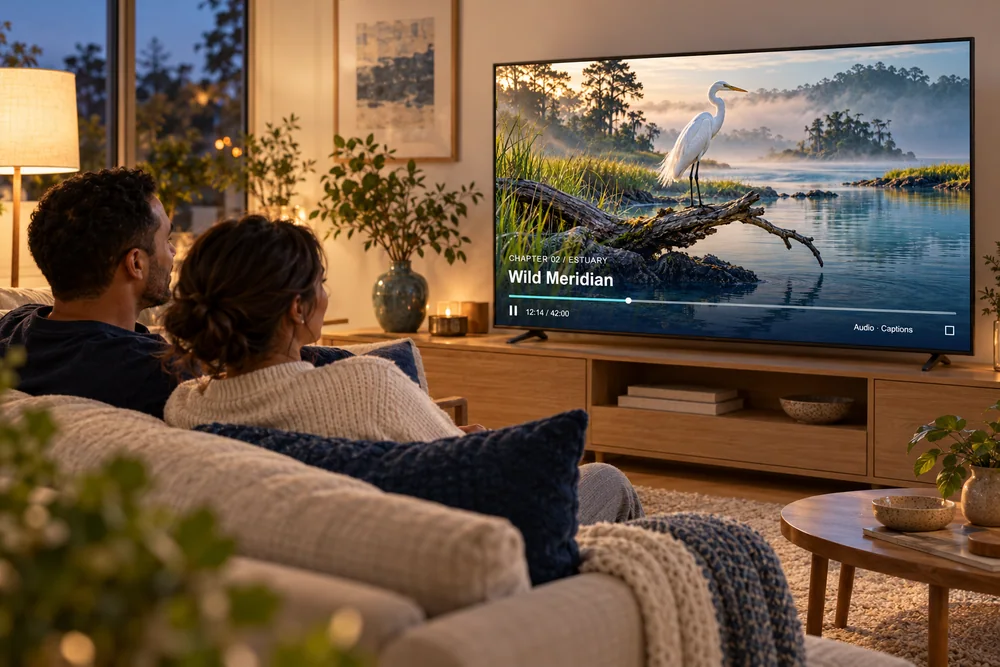
Genres, release years, collections and continue-watching rows, depending on your player app. The titles below are fictional artwork made for this site, to show the experience.






Movies
Browse by genre and year, read the summary, and start straight away.
Series
Seasons and episodes in order, so the next episode is always one click away.
Audio & subtitles
Choose another audio track or subtitles from the player menu where the title offers them.
Resume anywhere
Most apps remember where you stopped, so you can pick up later.
Family viewing
Keep it suitable for everyone at home
- Most player apps let you lock categories behind a PIN. Lock adult and late-night sections before children use the TV.
- Pin the kids’ and family categories to the top for younger viewers.
- Use separate favorites lists on separate devices so everyone finds their own shows.
Ask us which parental-control options your recommended app offers; we explain them before you start.
Movie night
Four tweaks for a better movie night
Picture mode
Switch the TV to Movie or Filmmaker mode for natural colors.
Sound output
With a soundbar, try PCM or Stereo output if dialogue sounds thin or drops out.
4K where it exists
Choose the 4K version of a title when offered, on a wired connection.
Start, then pause
On slower connections, pausing for 30 seconds at the start builds a buffer.
Library questions
About movies and series
How often is the library updated?
Titles are added and removed over time. Ask us about specific films or series you are hoping to watch and we tell you what is available now.
Are movies and series included in every plan?
Yes. The on-demand library is part of every IPTV Edge plan, from 1 to 24 months. See pricing.
Can I watch with subtitles?
Many titles include subtitles. Open the player menu during playback to switch them on; options vary by title and app.
Can I download titles to watch offline?
Some player apps on phones and tablets support downloads. Live TV always needs a connection. Ask us about the app you plan to use.
Looking for something specific?
Tell us the films or series you want to watch and we check what is in the library right now.