
IPTV on Android
IPTV on Android: TV boxes, Google TV and phones
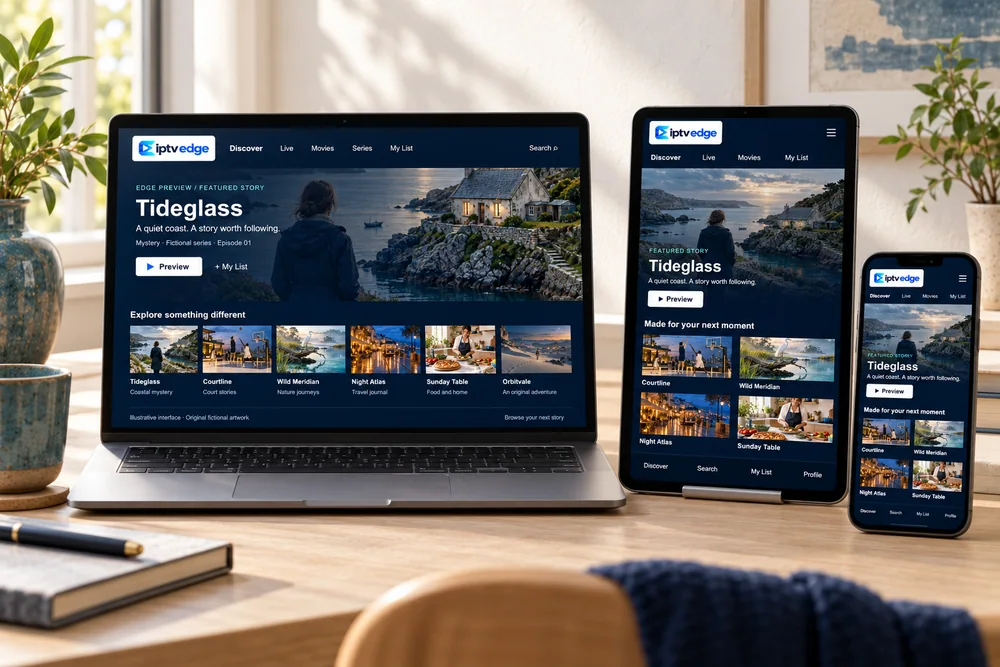
Android is the most flexible platform for IPTV Edge. The same player apps run on Android TV and Google TV televisions, streaming boxes, phones and tablets, all installed from the Google Play Store.
Before you start
Which kind of Android device do you have?
Android TV & Google TV
Built into many Sony, TCL, Hisense and Philips TVs, and into Google TV streamers. The best Android experience for a living room.
Android TV boxes
Choose a certified box with the Play Store. Around 2 GB of memory or more keeps menus responsive with a full channel list.
Phones & tablets
Great for a second room, the kitchen or travel. Mind your data allowance on mobile networks.
“Fully loaded” boxes
Avoid unbranded boxes sold with apps pre-installed. You cannot tell what software is on them, and they are a common security risk.
Setup
Set up IPTV Edge on Android
Open the Google Play Store
On a TV, it is on the home screen or under Apps. On a phone, it is in your app drawer.
Install the player we recommend
Compare the developer name with the one in our message; copycat apps with similar names exist.
Add your details
Choose the Xtream Codes or playlist option. On a phone, copy and paste straight from the chat.
Check the playback settings
Leave hardware decoding on. If an app offers a buffer size option, a medium setting suits most connections.
Build your favorites
Hide categories you never use so the guide stays short and fast.
Prefer help?
We can walk you through it
Send us your model. We reply with the exact app and steps for it, in writing.
Ask on WhatsApp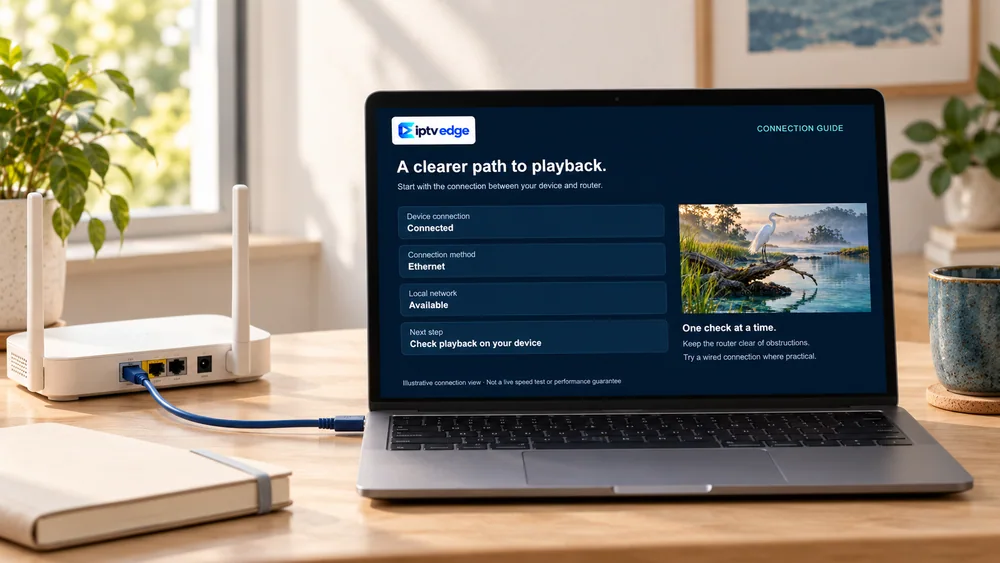
Smooth playback
Smoother playback on Android
- On TV boxes, use the Ethernet port or a USB Ethernet adapter where supported.
- On phones, exclude the player app from battery optimization so playback does not stop when the screen dims.
- To watch from a phone on the TV, use the app’s cast button if it has one, or install the app on the TV itself for a steadier picture.
- On mobile data, HD uses roughly 3 GB an hour. Lower the quality in the app, or wait for Wi-Fi.
- If menus become slow, clear the app cache (not its data) in Settings → Apps.
Questions
Android questions
Is my Android box safe to use?
If it is a certified device from a known brand with the Google Play Store, generally yes. Be wary of unbranded boxes sold “fully loaded” with apps, and only install apps from the Play Store or a source we confirm.
Does it work on Google TV devices?
Yes. Google TV is Android TV with a different home screen, so the same player apps install from the Play Store.
Can I watch on my phone and the TV at the same time?
Yes, if your plan includes enough screens. The number that may play at once is written in your confirmation.
Can I download programs to watch offline?
Live TV always needs an internet connection. Some apps can download on-demand titles; ask us whether the app we recommend supports it.
Ready to watch on Android?
Choose a plan, or ask us to confirm your exact model first. Every order is confirmed in writing before payment.